
- One payment, no subscription
- Installs from our website, no app store
- The same private account as on your computer
7 reasons the paperwork is easier from your phone
You are always on the move, and the paperwork piles up because there is never a good time to sit down. With the Bankable Method Academy on your phone, each piece takes a few taps right when it happens. You spend less time entering and more time looking at your numbers and growing the business.
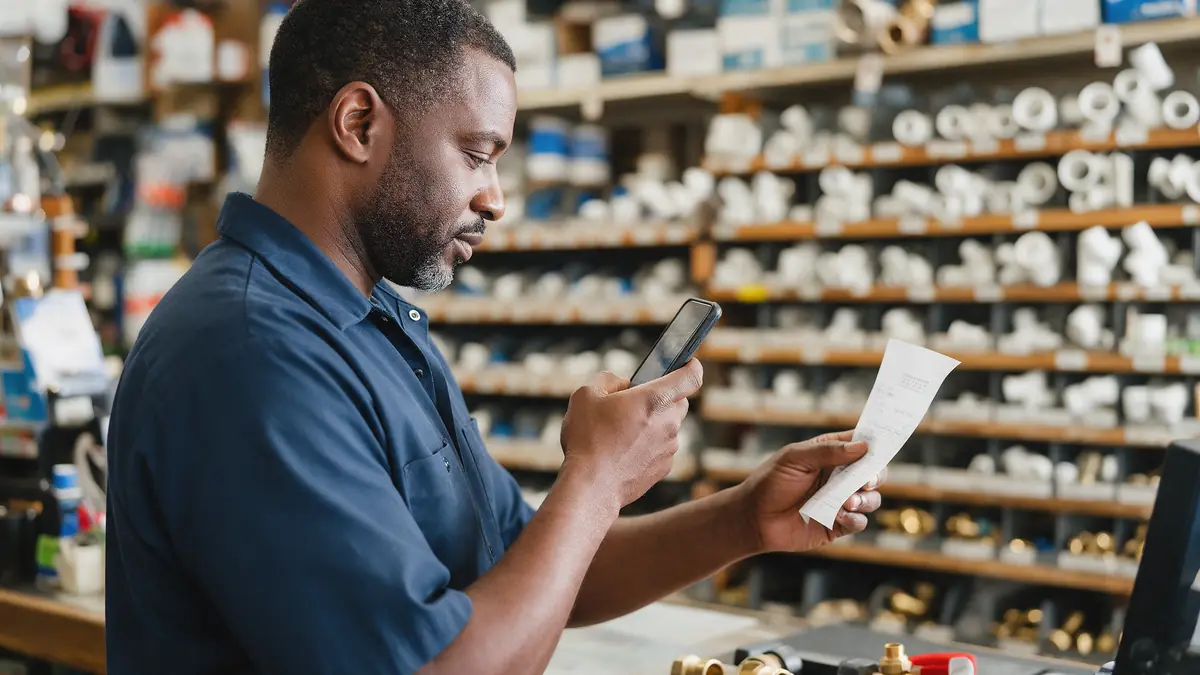
Reason 1: Snap the receipt and you are done
Take a picture before the paper gets lost in the truck. The Ledger reads the store, the date, and the amount for you. Nothing to type.
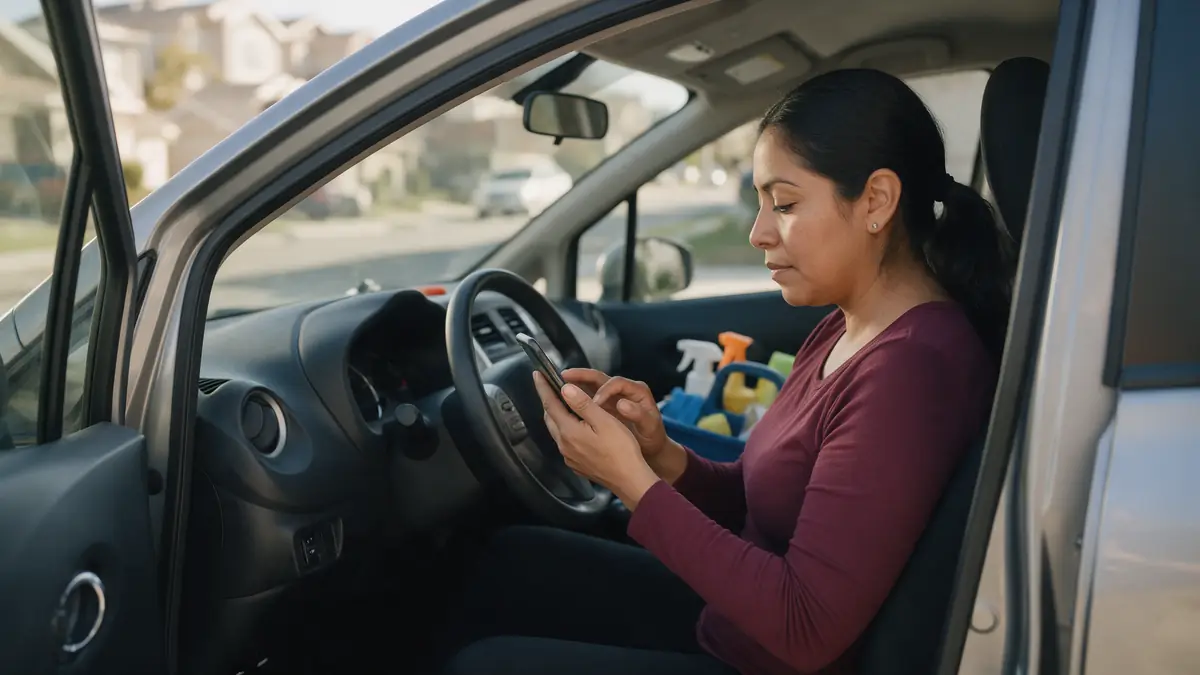
Reason 2: Log your miles when you park
A few taps: the date, the miles, and why you drove. Your mileage log builds itself one trip at a time.
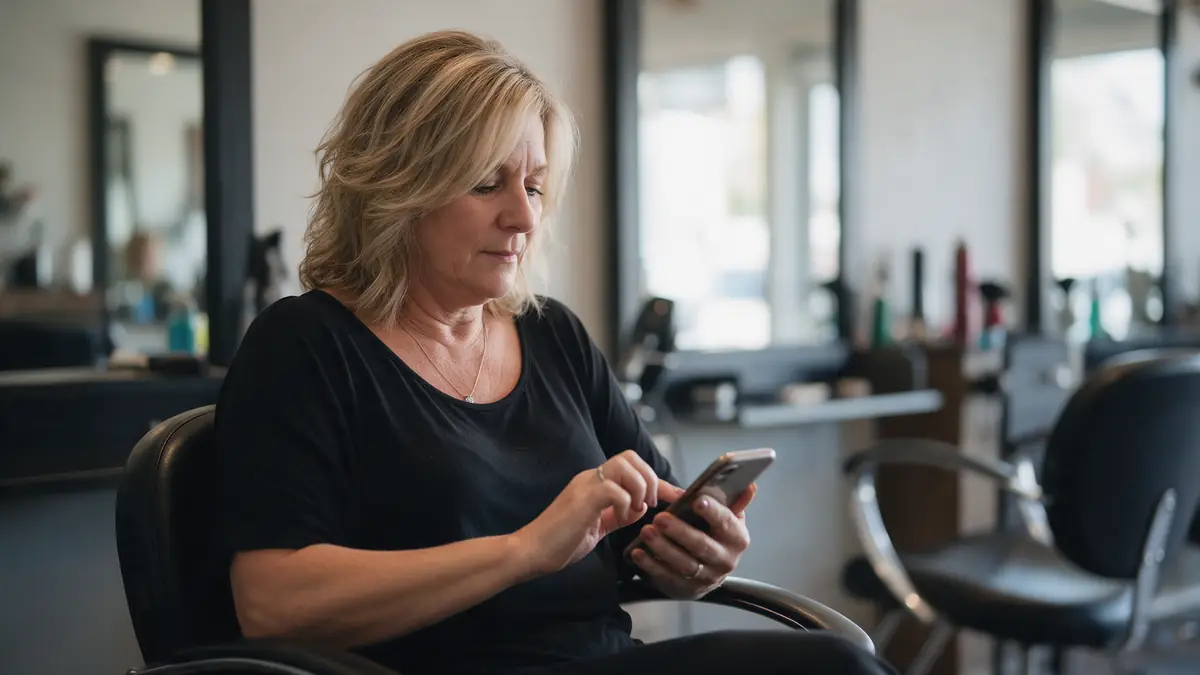
Reason 3: Review in the minutes you already have
Waiting on a customer or sitting in the pickup line? Confirm what the Ledger read for you, one card at a time.
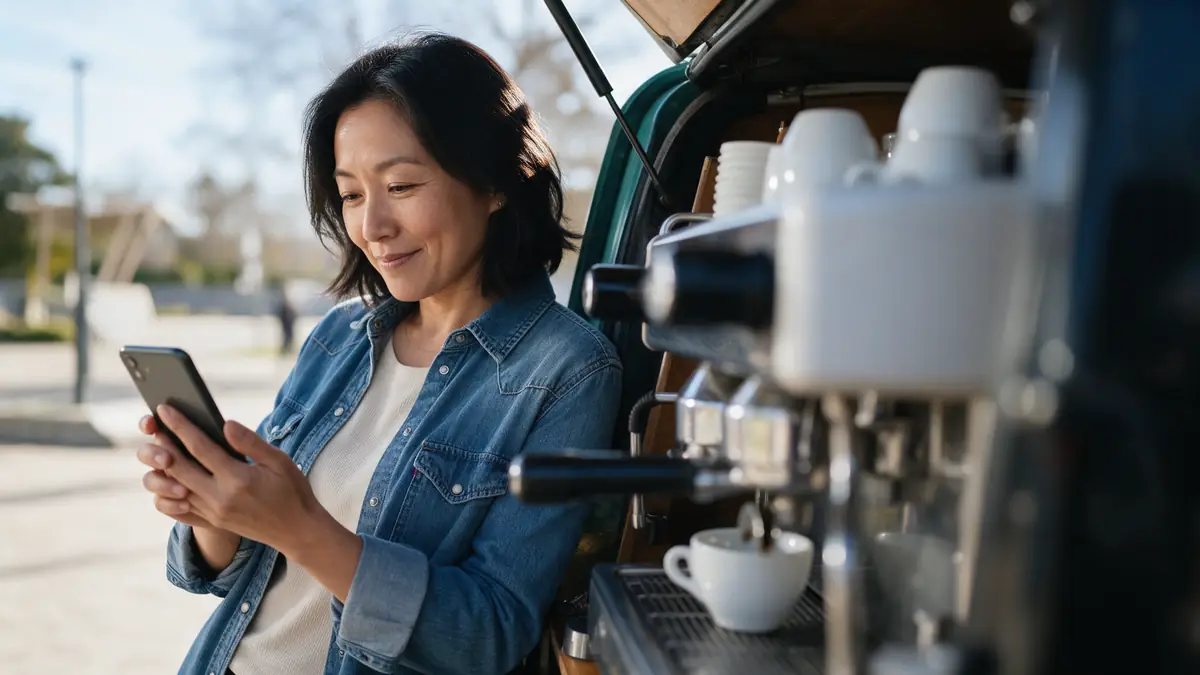
Reason 4: A quick check tells you where you stand
What came in, what went out, and what is left this month are on the first screen. No report to run.
Bankable Method Academy
See what is includedReason 5: Learn a little at a time
Watch a short lesson, read a step-by-step guide, or ask the help assistant whenever you have a few minutes.
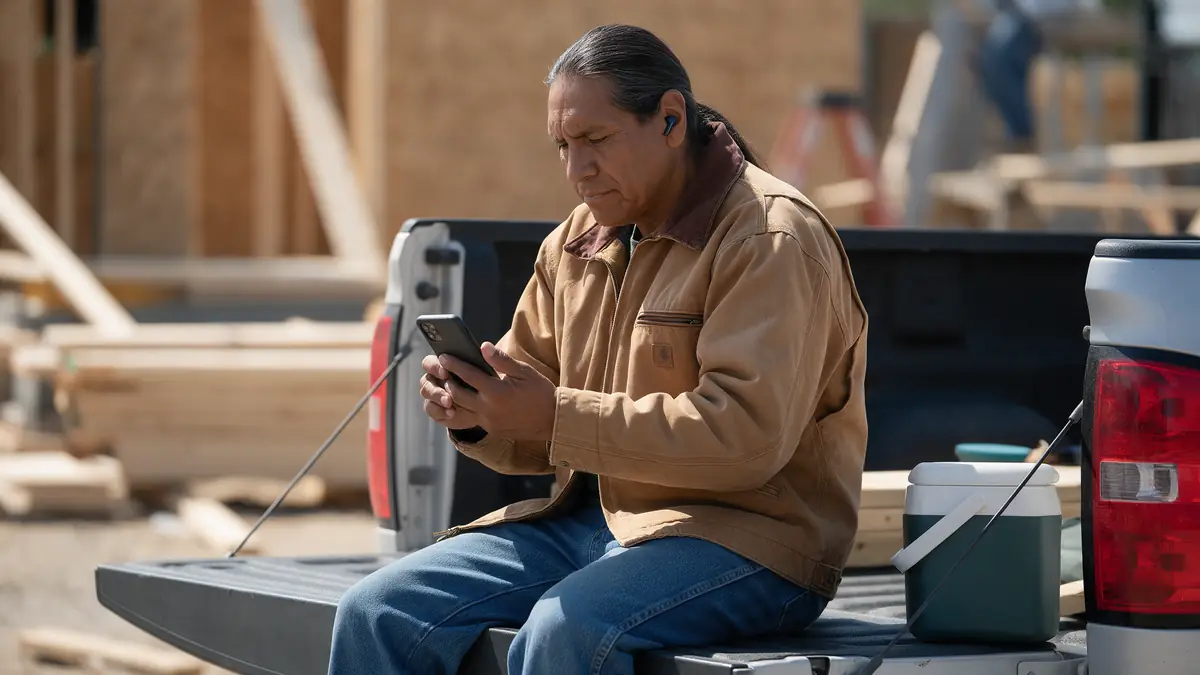
Reason 6: It is all on your computer when you are ready to sit down
It is one account. What you snap on your phone is waiting on the big screen, so sitting down is for looking things over, not for catching up.
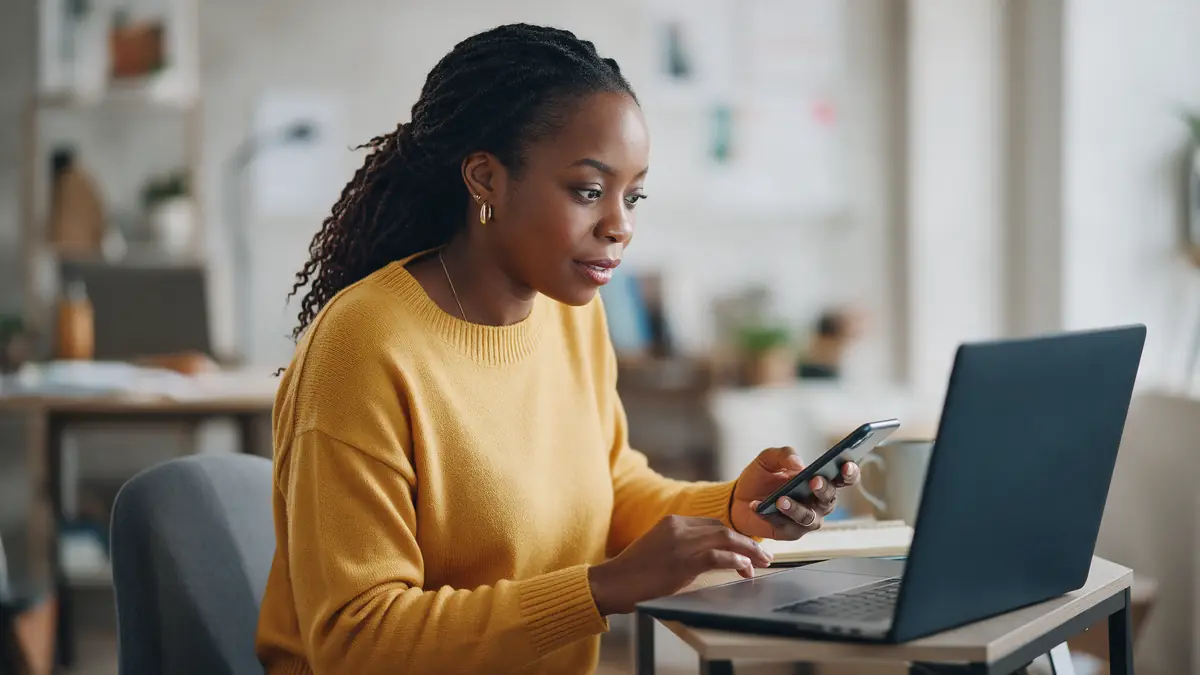
Reason 7: One tap from your home screen
The app installs straight from our website. There is no app store and nothing to keep updated. You always open the current version.

Bankable Method Academy
$747
What this does for you
- No desk needed.
- Nothing to type in at night.
- No pile of receipts in the truck.
- Less time entering. More time on the work you love.
- You always know where you stand.
What is included
- The Ledger on your phone. Snap a receipt and it is saved.
- Log your miles in a few taps.
- A short list to check when you have a minute.
- Your numbers on the first screen: what came in, what went out, and what is left.
- Short lessons and step-by-step guides you can open anywhere.
- The same account on your computer when you want the big screen.
- The Planner, the loan and business credit lessons, live office hours, and new lessons as we add them.
The details
- One payment. No subscription.
- Lifetime access to the courses, the Ledger, and the Planner, for as long as the Bankable Method Academy is offered.
- A second household seat is $547.
- Education and record-keeping tools. Lenders decide under their own rules.
Already have an account? Put the app on your phone.
Questions
Is this a subscription?
No. The Academy is one payment for lifetime access, which means for as long as the Bankable Method Academy is offered.
Is it in the App Store or Google Play?
No. It installs from our website. On an Android phone, open the sign-in page and press Install app. On an iPhone, open the sign-in page in Safari, press the Share button, then choose Add to Home Screen.
Does the app cost anything?
The app itself adds no cost. Receipts, mileage, the Ledger, the Planner, and Help are part of the Academy, which is one payment. The Report Reader, the Notes, and the free course come with every account.
Does it work without a signal?
No. Like the website, it needs an internet connection. If you have no signal, keep the receipt and add it when you are back in range.
Where are my records kept?
In your account, not on the phone. If you change or lose your phone, your records are there when you sign in on another device. On a shared phone, sign out when you are done.
Do I need a new login?
No. You sign in with the same email and password you already use on the website.